
Mazar-e-Quaid Karachi - Tomb of Quaid-e-Azam

Mazar-e-Quaid: Tomb of Quaid-e-Azam - 7 DSLR Angles

About This Shoot
Location: Mazar-e-Quaid, M.A Jinnah Road, Karachi, Pakistan
Camera: DSLR Canon EOS 200D + Sony A7III
Lens: 16mm Ultra Wide, 24mm Main, 70-200mm Telephoto
Outfit: Green t-shirt, white fitted pant, black boots (same in all photos for story consistency)
Time: 4:45 PM to 7:30 PM - Golden Hour to Blue Hour
Total Images: 7 Different Camera Angles
Story
Karachi is called the City of Lights and I started my Day 1 from its heart - Mazar-e-Quaid. My concept was simple - same place, different camera angles, same outfit. I wore green t-shirt, white fitted pant and black boots throughout the shoot to keep the story consistent. This is the pride of Pakistan, built in 1970 for Muhammad Ali Jinnah. Here are 7 DSLR shots from my visit.
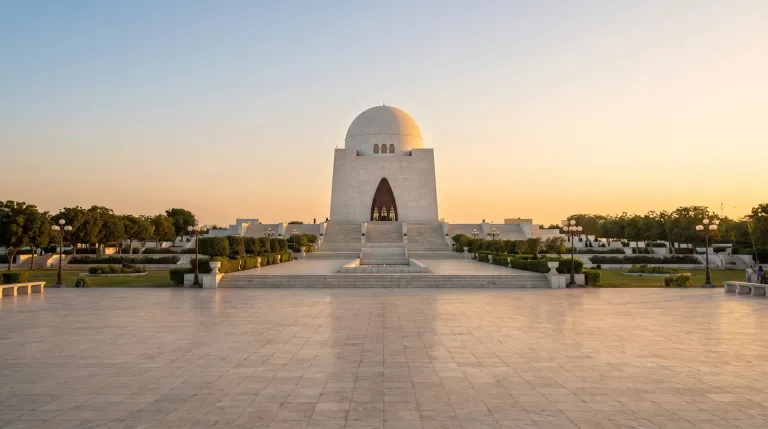
Front symmetrical view from main plaza. Shows full white marble structure with empty marble floor.
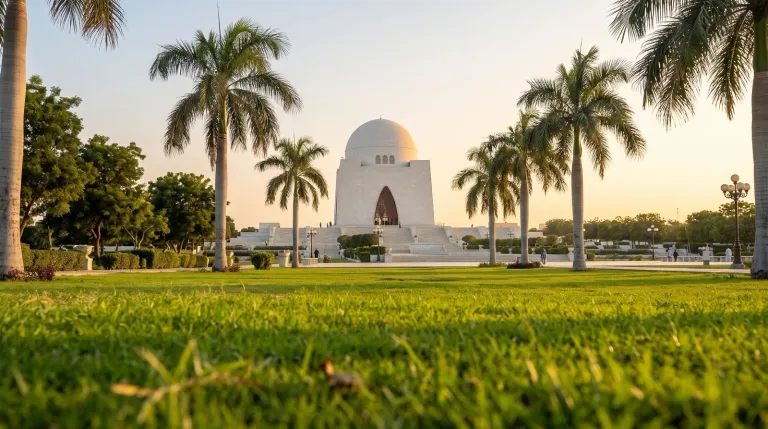
Low angle shot from green grass foreground with palm trees framing. No person, only monument.
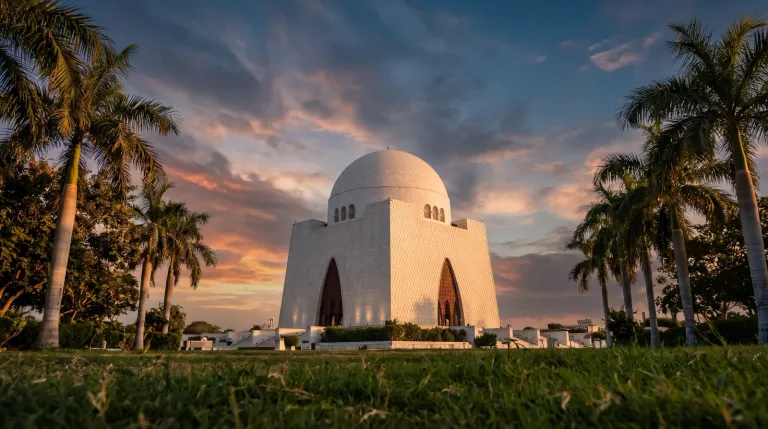
Low grass level shot with tall palm trees both sides. Sunset clouds and golden light on marble.
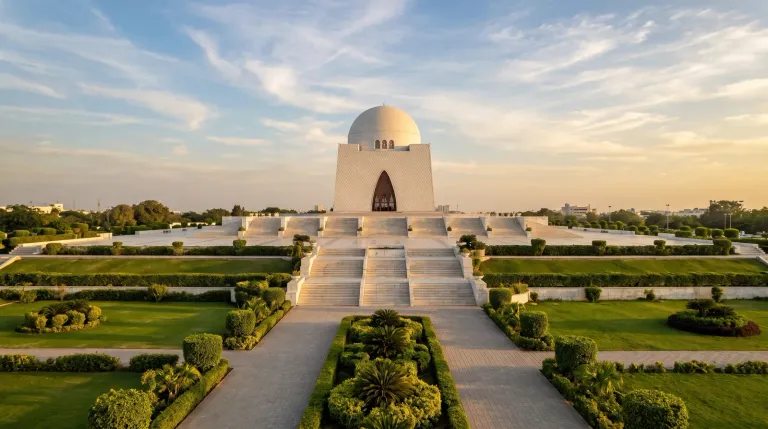
Wide garden view showing all stairs, green lawns and symmetry of the complex.
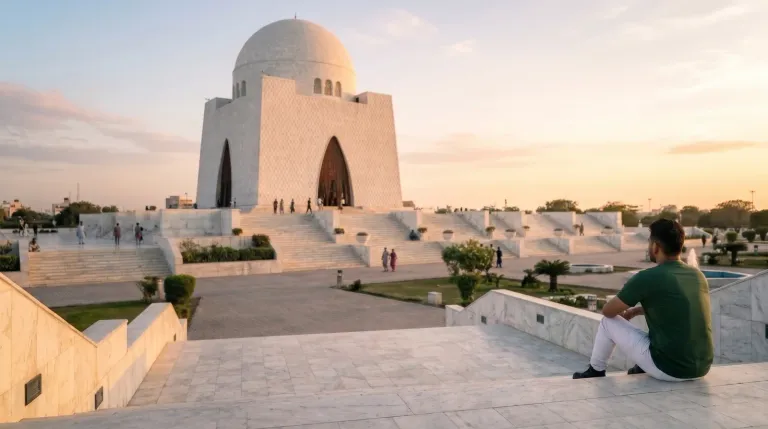
Me sitting on stairs wearing green t-shirt, white pant, black boots, looking at Mazar. Back view showing scale and peaceful mood.
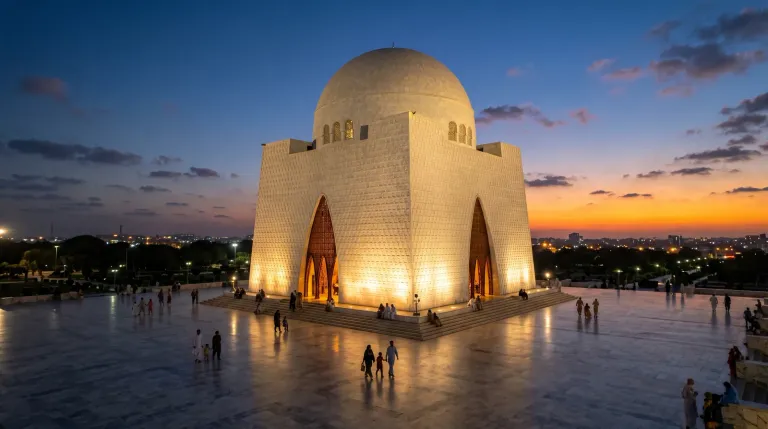
Blue hour night shot when lights turn on. This is why Karachi is called City of Lights. Monument glows.
**All 7 photos are my original work, taken during my personal visit to Mazar-e-Quaid, Karachi.
Outfit: Green t-shirt, white fitted pant, black boots.
**
[//]:# (!worldmappin 24.87539 lat 67.04097 long d3scr)
Congratulations @shabhi! You have completed the following achievement on the Hive blockchain And have been rewarded with New badge(s)
Your next target is to reach 50 upvotes.
You can view your badges on your board and compare yourself to others in the Ranking
If you no longer want to receive notifications, reply to this comment with the word
STOPCheck out our last posts:
Hello! Thank you very much for posting on the Worldmappin Community. We would like to remind you that one of the rules of our community is to pin your post to our map. This will give your post more reach, as well as have the chance to be featured in our daily Travel Digest 😃.
Quick guide on how to do it.
1 - Go to https://worldmappin.com
2 - Find the location of your publication on the map, you can do this by scrolling on the map or using the search bar.
3 - Click on the GET CODE button and then click on the exact location of your publication: a code snippet will be generated.
4 - Copy the code and paste it into the draft of your Hive post. Then publish it :)
The code will be invisible in your post, but a few minutes after publishing you will receive a comment informing you that your post has been added to the map.
We suggest you read all the rules of our community here.
For any other questions, don't hesitate to contact our team on our Discord channel.
Cheers!
Hello @worldmappin team! Thank you so much for the reminder 😊
I have updated my post and added the pin code as you suggested:
[//]:# (!worldmappin 24.87539 lat 67.04097 long d3scr)
Location: Mazar-e-Quaid, Karachi, Pakistan
Could you please check if my post is now visible on the map?
Thank you for your great community and daily Travel Digest!
@shabhi
You can check out this post and your own profile on the map. Be part of the Worldmappin Community and join our Discord Channel to get in touch with other travelers, ask questions or just be updated on our latest features.